No crypto yet? You can still pay easily.
If you don’t have cryptocurrency, are not registered on any exchange, or have never used crypto before, you can complete your payment through a trusted crypto on-ramp service.
Open Mercuryo — Recommended Crypto On-Ramp →
You can also use any other crypto exchange or on-ramp service that suits you, but this is the one we recommend.
You simply need to select “Buy crypto”, choose the currency you are paying with, and select the cryptocurrency you want to receive.
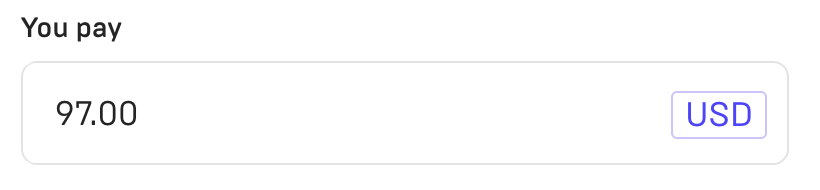
Step 1 — Enter the amount you want to pay
In the You pay field, enter the exact payment amount: 97 USD.
Step 2 — Choose the crypto you want to receive
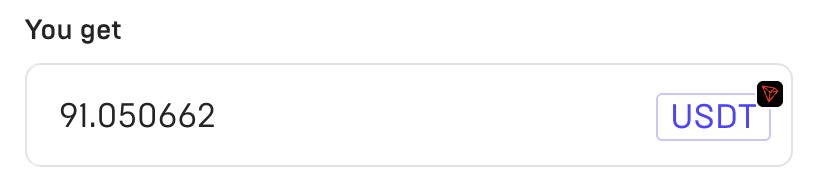
In the You get field, choose the coin you want to buy and send for payment. For example, you can select USDT.
Step 3 — Make sure the correct network is selected
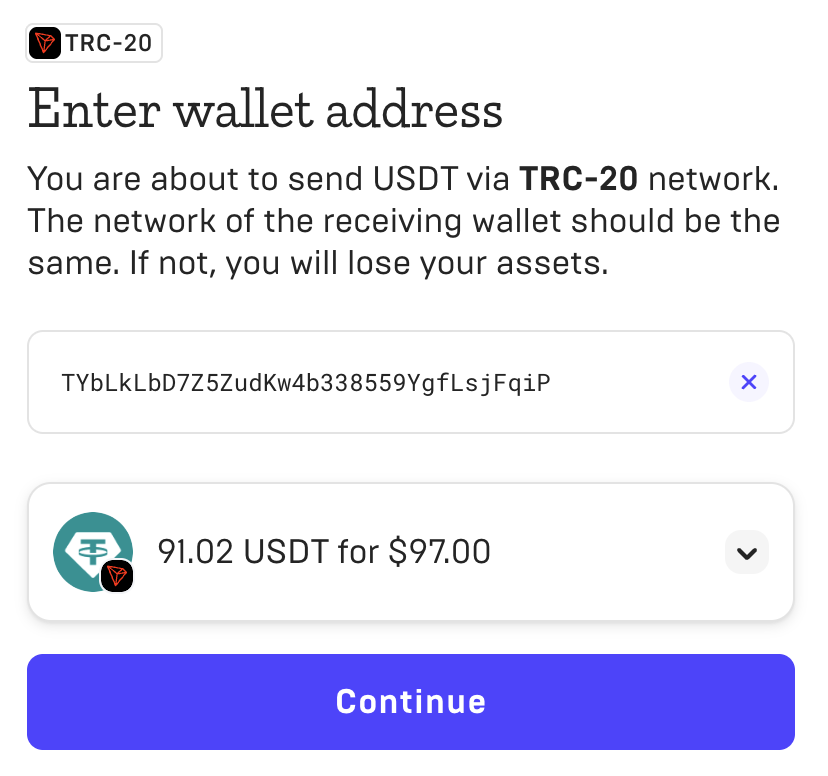
Confirm the correct network for the selected coin. For example, if you choose USDT (TRC20), make sure the network is also TRC-20.

Step 4 — Enter the wallet address
Paste the wallet address from our checkout page for the cryptocurrency you selected. Make sure the address matches the correct network.
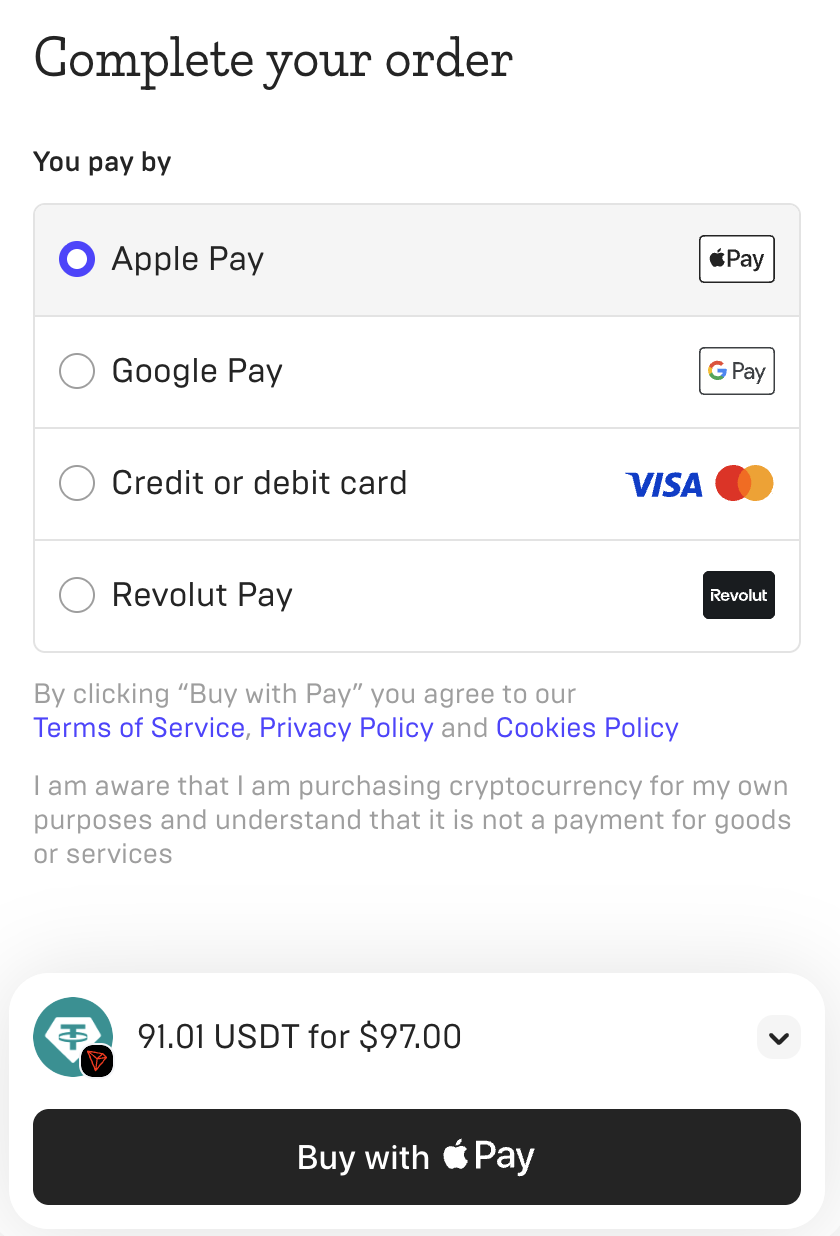
After that, you will see the available payment methods to complete your purchase.
Step 5 — Choose how you want to pay
At the final stage, you will see payment options such as Apple Pay, Google Pay, credit/debit card, Revolut Pay, or other supported methods depending on your region.